THE ORIGINAL BANANA PHONE
Ahead of
the curve.
Nokia 8110
Slide it open. Tap the keys. Step back to a time when a phone was simply a phone.
Ready when you are.
How to use the handset +
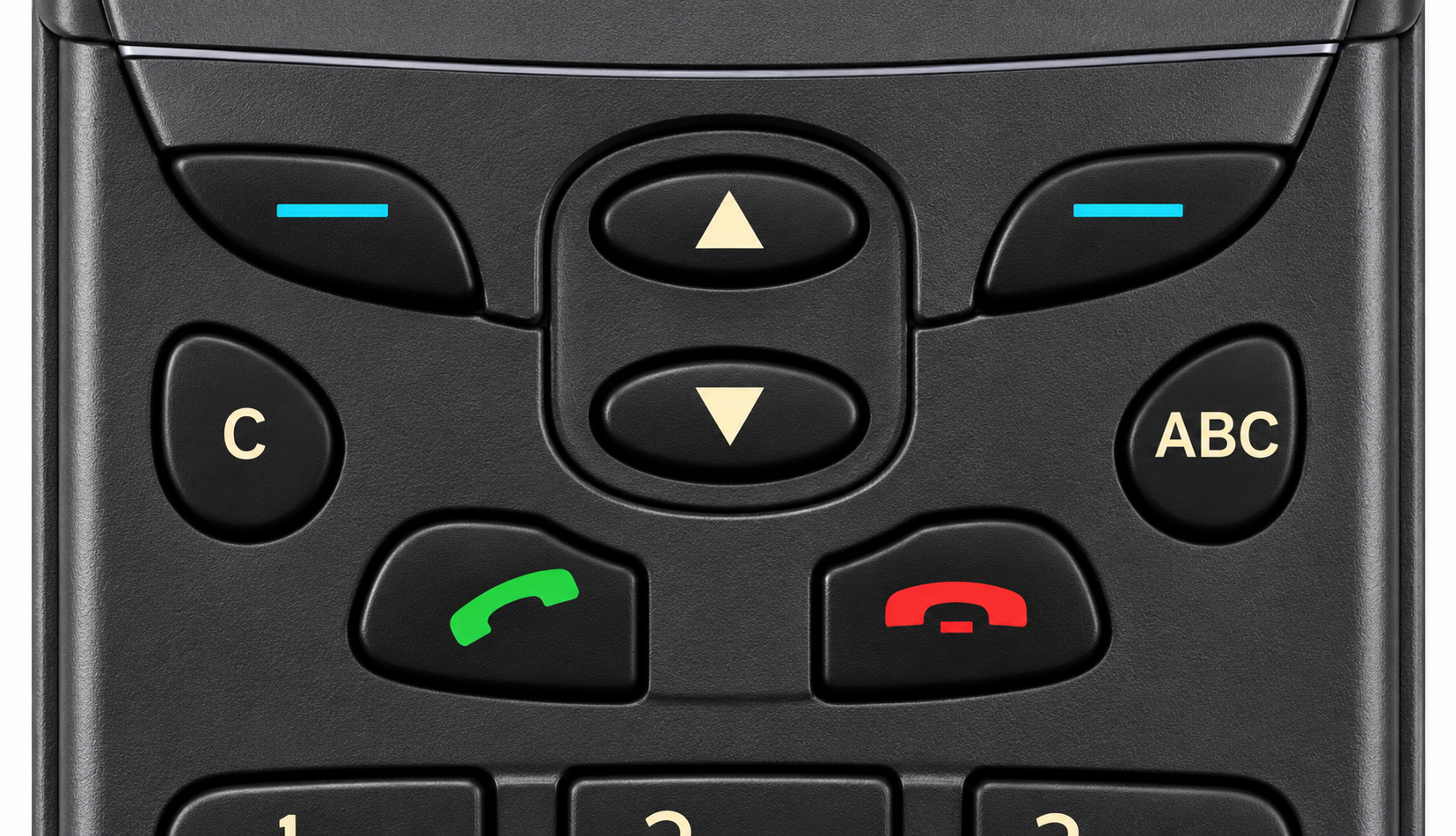
Tap the physical keys. The two keys below the screen match its bottom labels. Use ▲ and ▼ to browse, the left softkey to select and the right to go back. C clears; the red key returns home.
Texting: tap a number repeatedly to cycle through letters. Pause to move to the next letter. # adds a space; ABC switches letters and numbers.
Keyboard: ↑ ↓ to browse, Enter for the left softkey, Escape for the right, Backspace for C, and 0–9, * or # to type.
Shortcuts: Menu then * locks or unlocks the keypad; Menu then # toggles temporary silent mode. Hold 1 for voicemail.
A carefully recreated experience using the 8110i menu structure. Recreated screens and tones, with a cinematic cover-opening effect. This does not run Nokia firmware or connect to a mobile network.
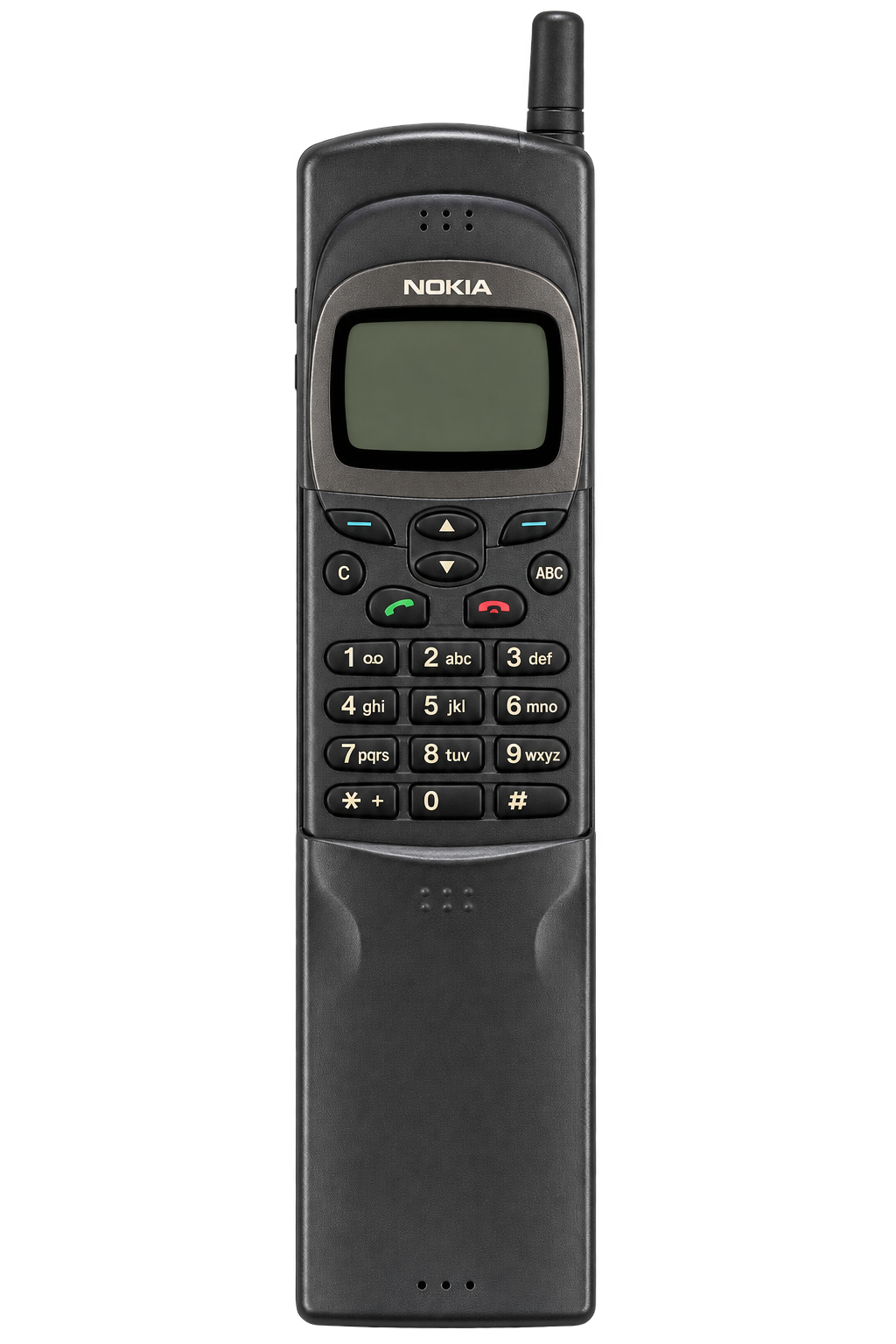
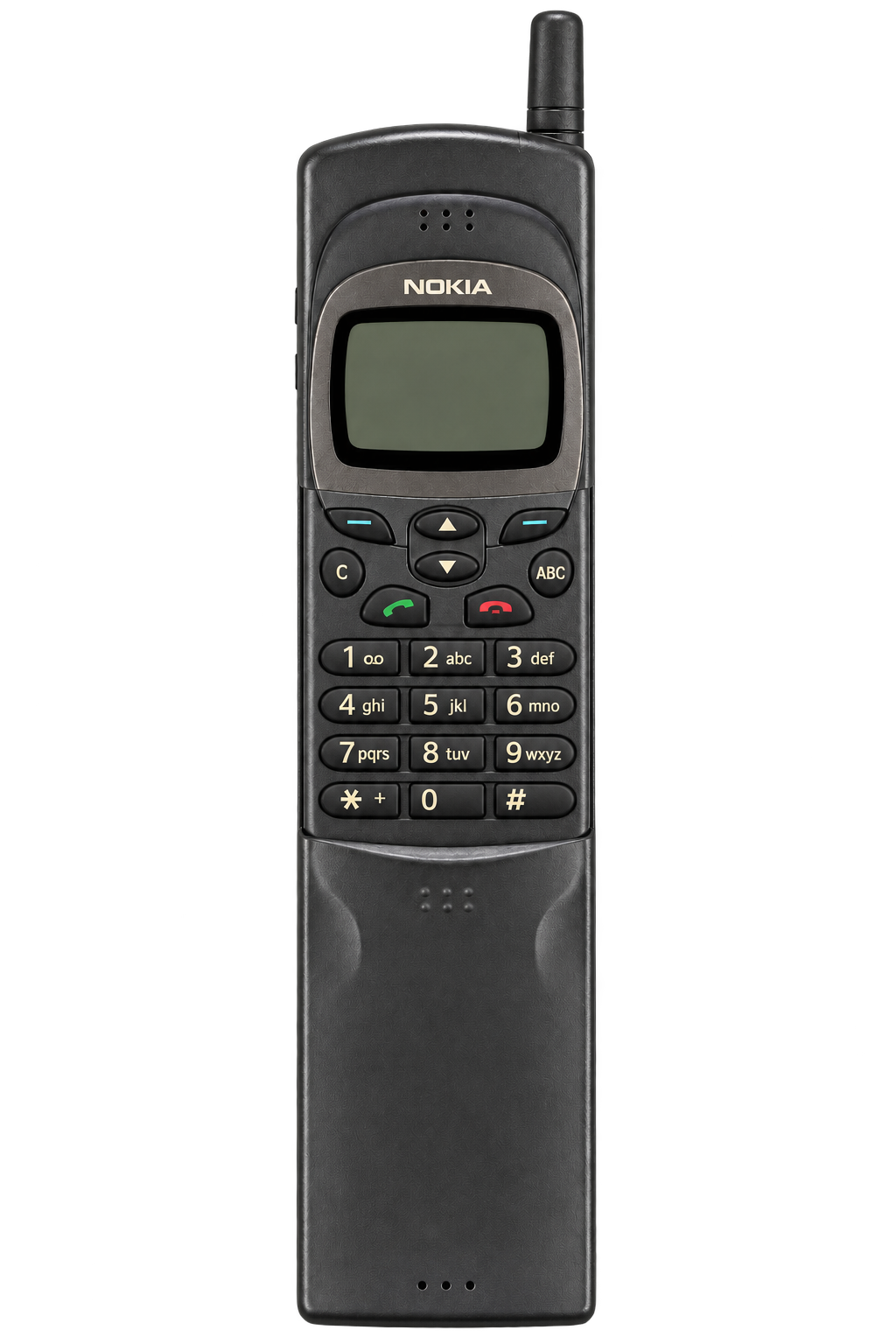
Open the cover to reveal the keypad.