Hello again,
3310.
That little green screen. Those familiar beeps.
A few buttons, and you’re back in 2000.
Switch on, then press the handset’s keys to explore the original Nokia menus. Try a ringtone, type a message or find Snake II.
Your Nokia is ready to switch on.
A quick reminder
The blue key chooses the word at the bottom of the screen. ↑ ↓ scroll. C goes back or clears a character.
In the ringtone list, scroll to a name to hear it. In Snake II use 2 / 4 / 6 / 8 to steer.
With a keyboard: numbers, ↑ ↓, Enter to select and Backspace to go back.
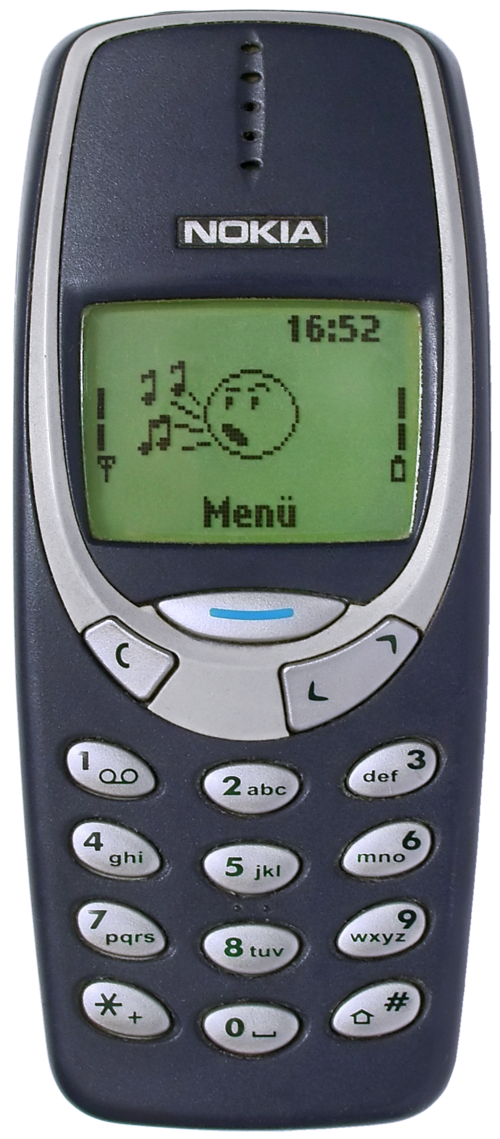
2000 NOKIA 3310 84 × 48 pixels