Hello again,
7110.
That little green screen. Those familiar beeps.
A few buttons, and you’re back in 1999.
Switch on for the original Nokia welcome, then explore the handset’s real menus and ringtones. A little piece of 1999, back in your hands.
A quick reminder
Tap the handset’s keys just as you used to. The left and right soft keys choose the words at the bottom of the screen. Roll up or down to browse, then press the roller to select.
Tap the small ▲ / ▼ buttons above and below the roller to scroll. Tap the roller itself to select. Use the extra controls below the handset if you prefer. A mouse wheel over the roller scrolls too. Press the red End key to return home.
Keyboard: ↑ / ↓ to scroll, Enter to press the roller, F1 / F2 for soft keys, Escape to return home. Number keys work too.
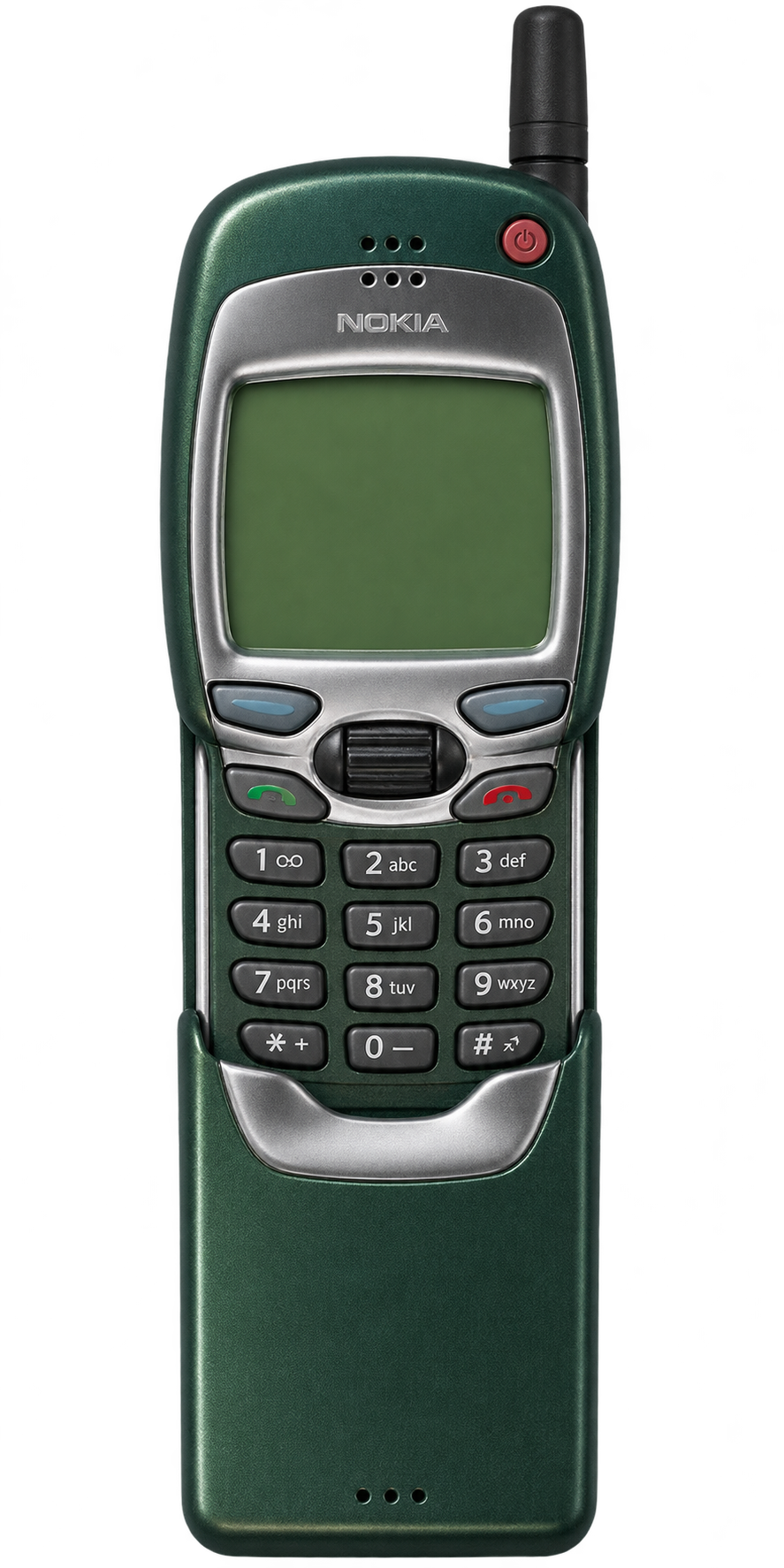
NOKIA 7110 1999 · 96 × 65 pixels